Installing MAC OS into SSD.
1. Boot into the OS of the HD.

2. Place the SSD into a Hard Disk enclosure and plug it into the Device(MAC Mini).
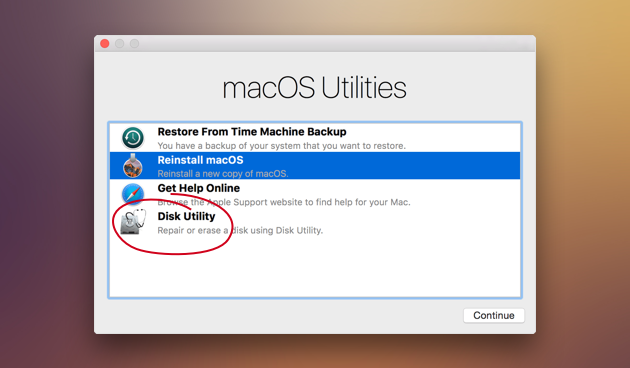
3. Restart the machine and hold "Windows" + "r" in the keyboard until you hear a beep and image below appears.

4. Click "Disk Utility".
5. Click on the SSD device and click erase in the upper part button.
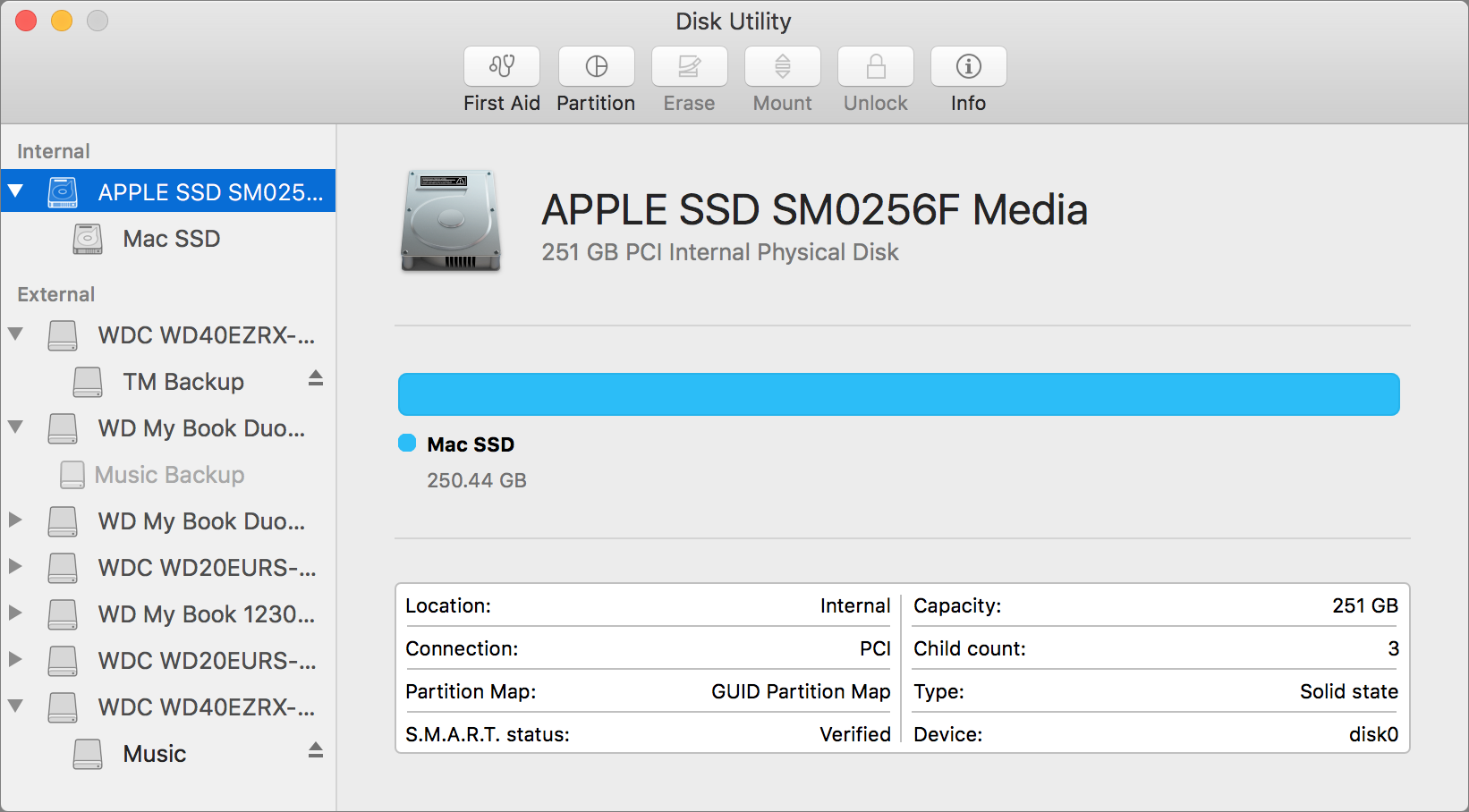
6. After the formatting done, close the tab and you'll be directed to this tab.
Mga Komento
Mag-post ng isang Komento